Events and timeline
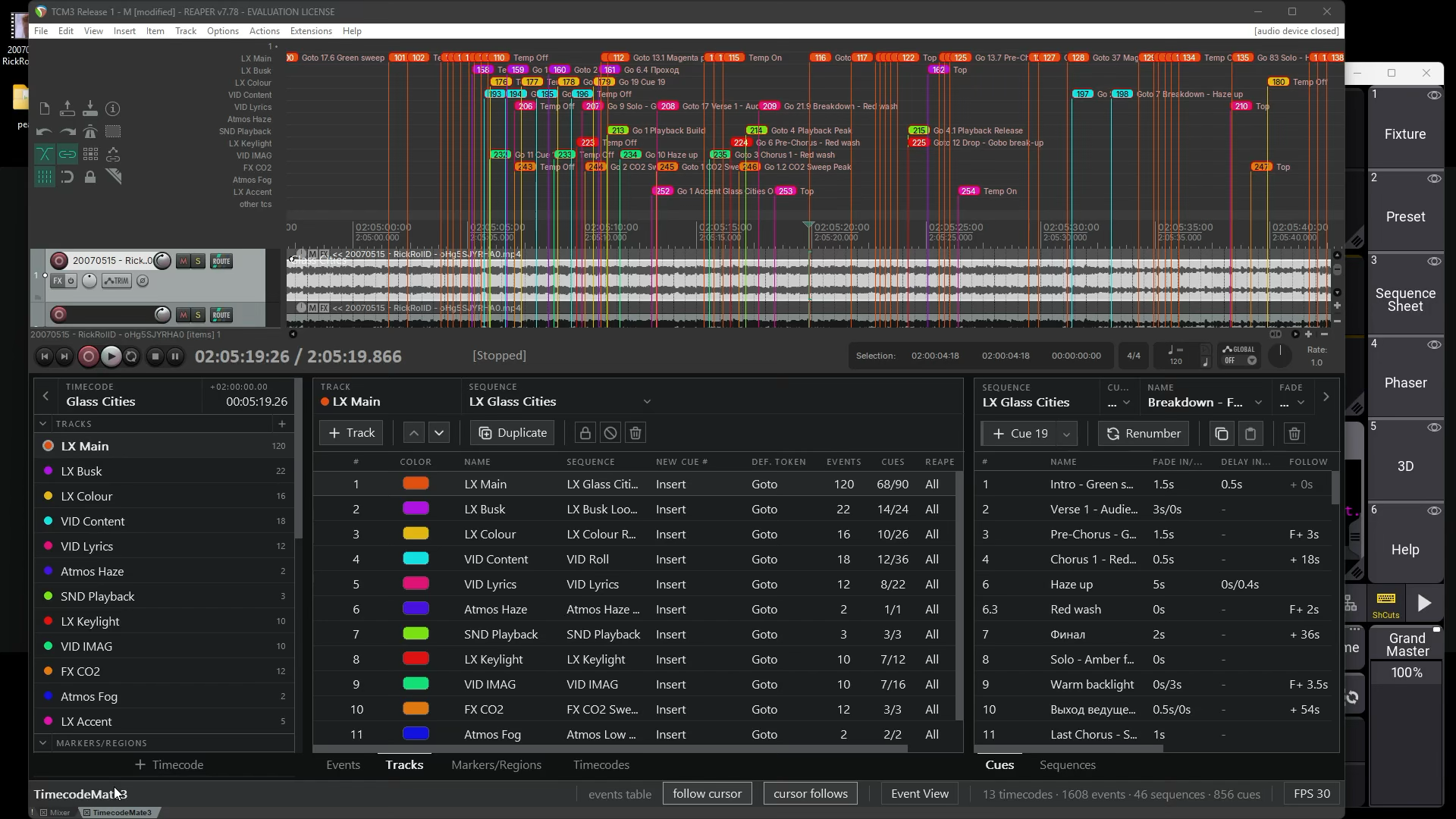
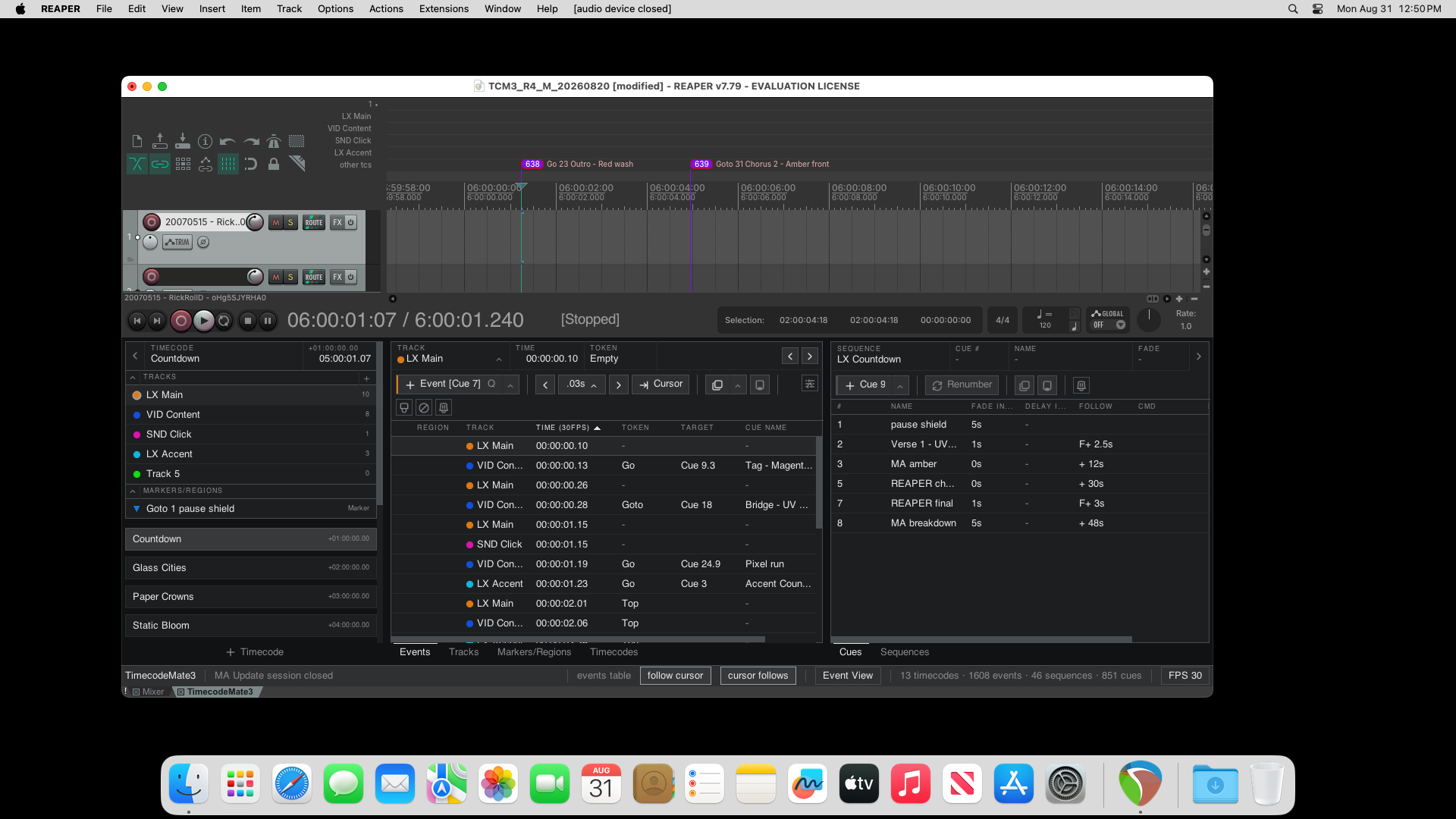
Create Events at the cursor, from markers, or at set intervals. Organize a show into Timecodes and Tracks. Move and edit Events on the REAPER timeline.

Timecode editor for REAPER with two-way grandMA3 synchronization.
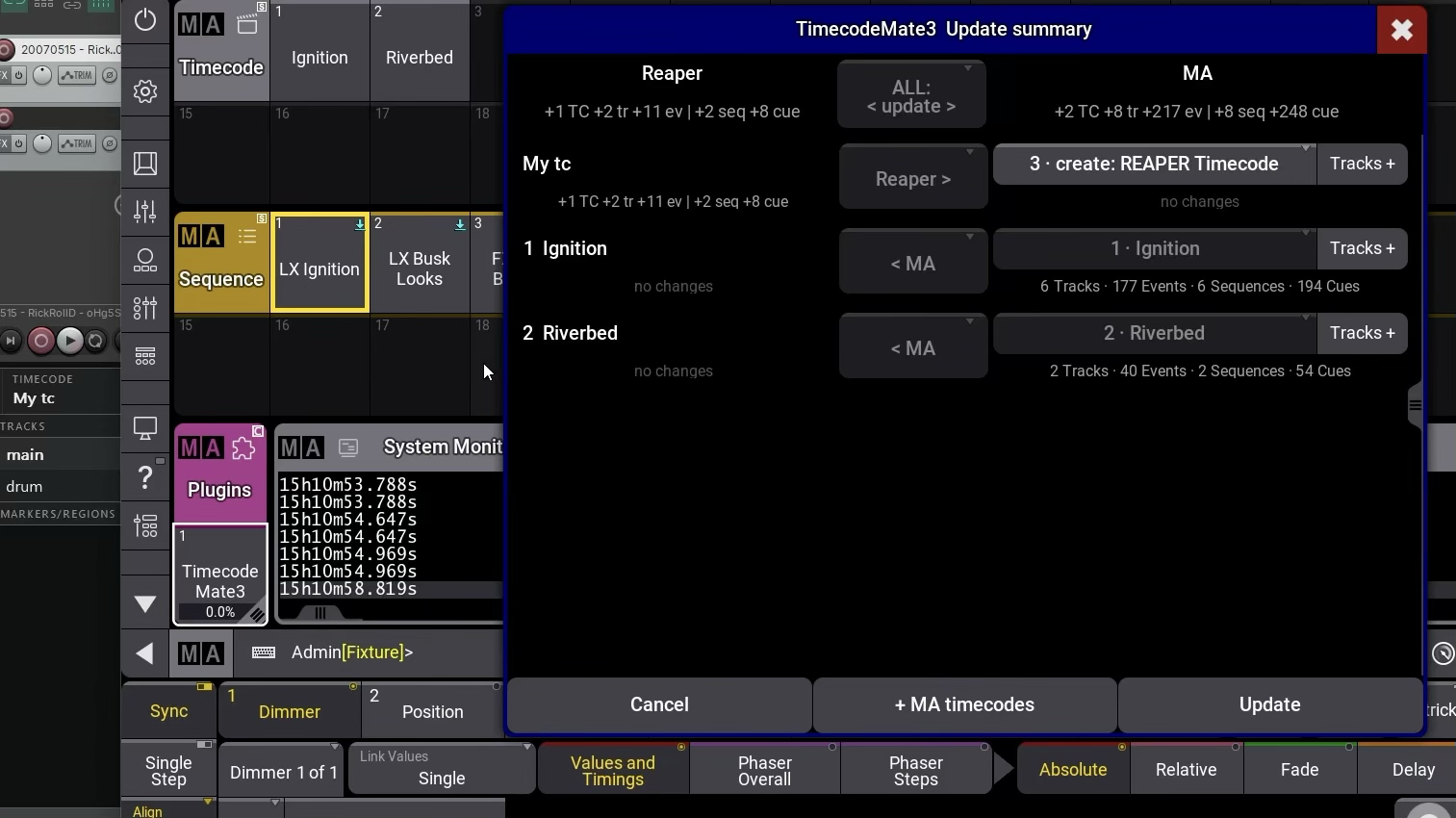
Create and edit timecode data in either application. Bring existing grandMA3 Timecodes into REAPER, send REAPER changes to grandMA3, and synchronize further edits in both directions. Start Update from the grandMA3 plug-in and review the Summary before applying changes.
Current price and downloads are on Gumroad.
If the payment options don’t suit you, email support@vldurnov.com.
Create Events at the cursor, from markers, or at set intervals. Organize a show into Timecodes and Tracks. Move and edit Events on the REAPER timeline.
Edit cue numbers, names, fades, delays, commands, and notes. Assign timed Events to Cues in a Sequence.
Edit on either side and exchange changes in both directions. Use Add from MA to bring an existing grandMA3 Timecode into REAPER. Review the Summary before applying changes.
Select a screenshot to view it full size.
The English manual covers setup, editing, and Update, with diagrams and troubleshooting.